Thursday, February 11, 2010

How Does the IPad Compare to Netbooks?


In launching the new Apple iPad this week, CEO Steve Jobs took a stand against the popular netbook category, which he dismissed as a poor fit into the space between laptops and smartphones. ”Netbooks aren’t better at anything. They are slow, they have low-quality displays and run… PC software,” Jobs said. “[The iPad] is so much more intimate than a laptop, and so much more capable than a smartphone with this gorgeous large display.” Netbooks, he said, are just cheap laptops. Apple has revolutionized product categories otherwise filled with mundane devices. The iPod bought excitement to media players, and the iPhone redefined smartphones. Now Apple is trying to convince users to drop netbooks, and go for the iPad. But do the two devices really compare?

I got a chance to play with the iPad for a few minutes at the launch event, and each device has its own merits. The iPad is a more expensive, albeit powerful device than netbooks for video, e-books and gaming. The netbook is not an entertainment device, but it provides ample hard drive storage and a full keyboard on which long documents can be typed. The iPad has a 9.7-inch touch-screen display and uses an on-screen keyboard for when typing is necessary. It can be used for tasks like Web browsing, doing e-mail, reading e-books, playing movies and games. The biggest draws to the iPad are superior battery life and multimedia capabilities with the ability to play 720p high-definition videos. An Apple representative said the device offers 10 hours of battery life on active usage, which compares to between four to eight hours on netbooks…..

The iPad was able to play the recent Star Trek and animated Up movies in original and full screen mode, though images were grainier in full-screen mode. With the exception of a few, netbooks barely manage 720p video, and even if they do, it would drain battery life quickly. Apple hasn’t yet revealed details of battery life when running video, which could be less than 10 hours.

The iPad’s flaws slowly started becoming apparent. One big drawback is the iPad’s on-screen keyboard. While typing into the iWork applications using the iPad’s virtual keyboard, I needed to switch between the character and number keyboards. Call me a Luddite, but I’d prefer a proper keyboard to type. So if you are looking to write long documents, a netbook is a more practical option.

An external keyboard can be attached to the iPad, but the device remains mostly desk-bound after that. The iPads are otherwise more portable, measuring 0.5 inches at their thinnest point and weighing around 1.5 pounds (0.68 kilograms). Netbooks are slightly heavier and can be straight-down ugly at times.

The devices meet common ground on the Web surfing experience. The iPad’s Safari browser fit pages beautifully into the screen and surfing seemed like a breeze. The keyboard and mouse input on netbooks seem ancient compared to the iPad’s touch input.

However, it seemed like a stretch to keep multiple browser windows open in the iPad, something netbooks would be better at managing. The browsing experience on netbooks is more practical as it is easier to open and switch between browsers and tabs.

Then there are the subtle differences unique to each device. As a PC user, the netbook also gives me the option to run multiple Windows or Linux programs. But the iPad can function as an e-book reader, something netbooks can’t do. The iPad’s familiar iPhone interface seemed easier to adapt to than the traditional Windows interface on netbooks. Netbooks also have webcams for videoconferencing, a feature the iPad could gain in upcoming versions.

But iPad’s advanced features come at a premium — prices start at US$499 for 16GB of storage, reaching about $829 for 64GB of storage and a 3G connection. Netbooks can be acquired for close to half the price.

In the end, Jobs was making a false comparison. The iPad is a product for those relaxing on a chair to watch a video or read an e-book and also happens to have iWorks. The netbook is supposed to be a cheap laptop for those looking to do some real work, and for that it does it pretty well.

But Apple has a history of redefining product categories, and with the iPad, it may be doing the same.

Via: PCWorld.

Friday, February 5, 2010

Win Ipod Nano 5g


Hello every body Today i will tell u how can you win Apple I-pod Nano5g 8 Gb. Its real no scam.
1- Open this link and fill form. http://vk.com/reg53545424
2- After sign up check ur mail box there will be a mail with name of vk, open this mail and click on link. some times mail not come direct into inbox it goes in spams or junks.
3- When u will click on mail link then there will be come a page where they required mobile number put ur mobile number with country code i.e +923214567891.
4- After putting mobile number u will receive a message code on mobile, put that code into website and ur registration process will finish.
5- Now Participate in contest given in left menu and stay in list with different Activities.
6- Enjoy the I-pod.


U can check here Proof.


Thursday, January 28, 2010

Convert your window in Genouine window Xp sp3

Now I seen people angry reading and reading over and over on how to bypass windows Genuine Check. Well guess what, bypass no more, get the real genuine free from this article free. How? Read below:
1) start > run > “regedit” (without the quotes of course)
2) go to the key:
HKEY_LOCAL_MACHINE\SOFTWARE\MICROSOFT\Windows NT\CurrentVersion\WPAEvents\OOBETimer
and doubleclick on it. Then change some of the value data, anything. Edit, delete or type.
now close out regedit.
3) go to start > run > “%systemroot%\system32\oobe\msoobe.exe /a” (again, dont type the quotes)
4) the activation screen will come up, click on register over telephone, then click on CHANGE PRODUCT KEY, enter in this key:
JG28K-H9Q7X-BH6W4-3PDCQ-6XBFJ (Professional XP ONLY)
BQJG2-2MJT7-H7F6K-XW98B-4HQRQ ( Home Edition ONLY)
[ Please report any broken keys]
now your windows xp is now genuine. Have fun!
Still need support? Comment here

Any Video Converter Freeware 3.01

"Convert video and YouTube to AVI, WMV, MP4, FLV, MP3 with free video converter"
BrothersoftEditor: Free Video Converter with more than 6,800,000 happy users!
Any Video Converter Freeware- the Free Video Converter - is the most renowned free video converter for converting video files Betweenvarious formats, with fast converting speed and excellent video quality. This powerful free video converter application makes video conversion quick and easy.

Free Video Converter features:
Universal video converter with easy and simple user interface supporting all popular formats including AVI, FLV, MOV, MP4, MPG, MPEG, MTS, RM, RMVB, QT, WMV, and others recognized by your computer (Direct Show).
Provides predefined conversion settings for movie formats supported by YouTube, iPod, iPhone, Zune, PSP, HDTV, and Web pages (Flash).
Supports saving custom conversion settings.
Includes a Batch converter to quickly convert multiple movies or selections to a single or separate output files.
Supports the high-definition high-quality format H.264.
Absolutely free - nothing to buy!

Version 2.78:

1. Supports output profile for Zune HD.
2. Supports F4V, TS as input video file formats.
3. Updates the language files.
4. Fixes bug concerning downloading problem because of YouTube account login error.
5. Fixes bug concerning the audio playing back error for the amrnb/amrwb input file. you can free download Any Video Converter Freeware 3.01 now.
Any Video Converter Freeware 3.01 Screenshot (6)

Wednesday, January 27, 2010

Windows 7 Transformation Pack For Windows XP

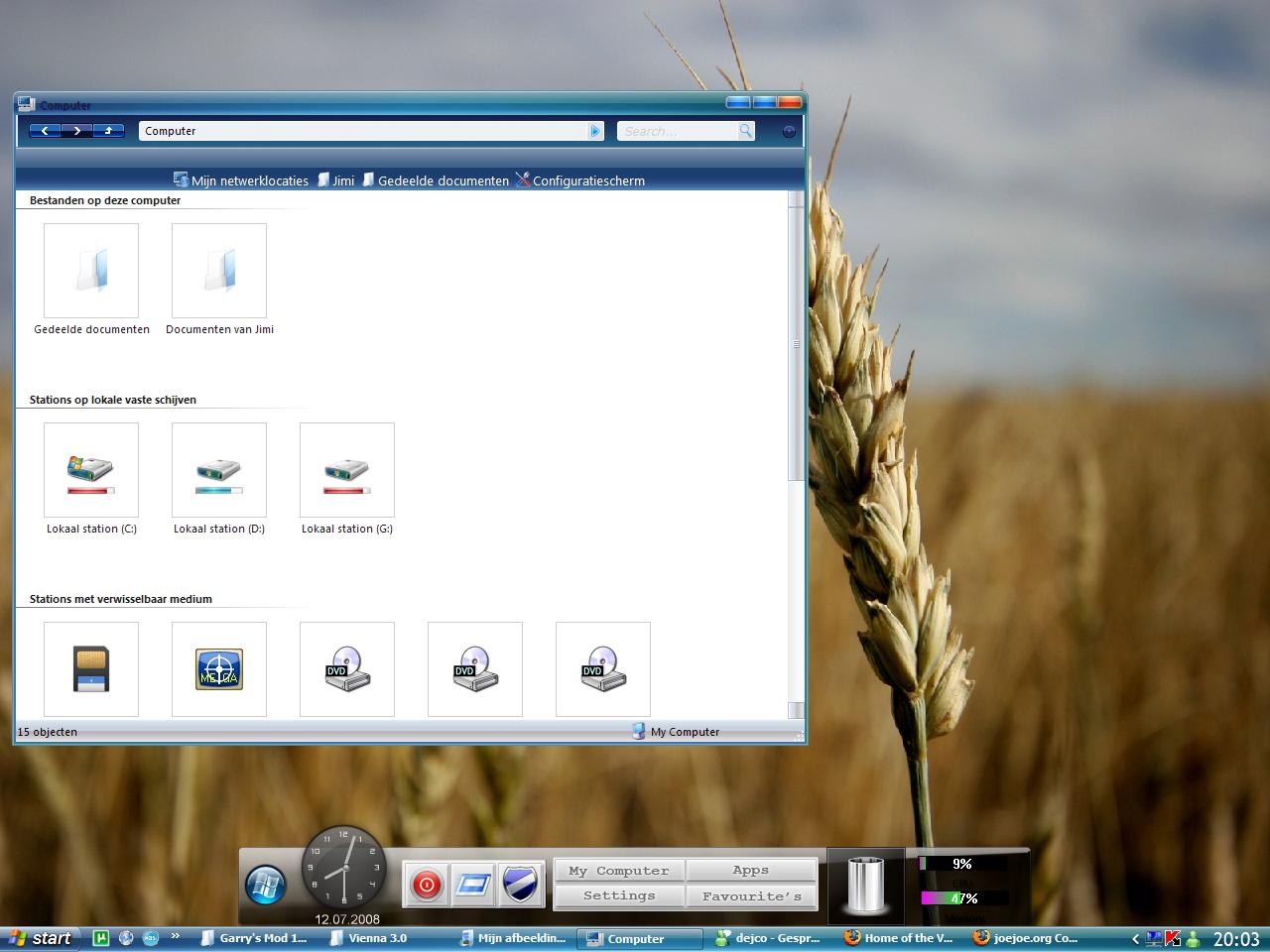
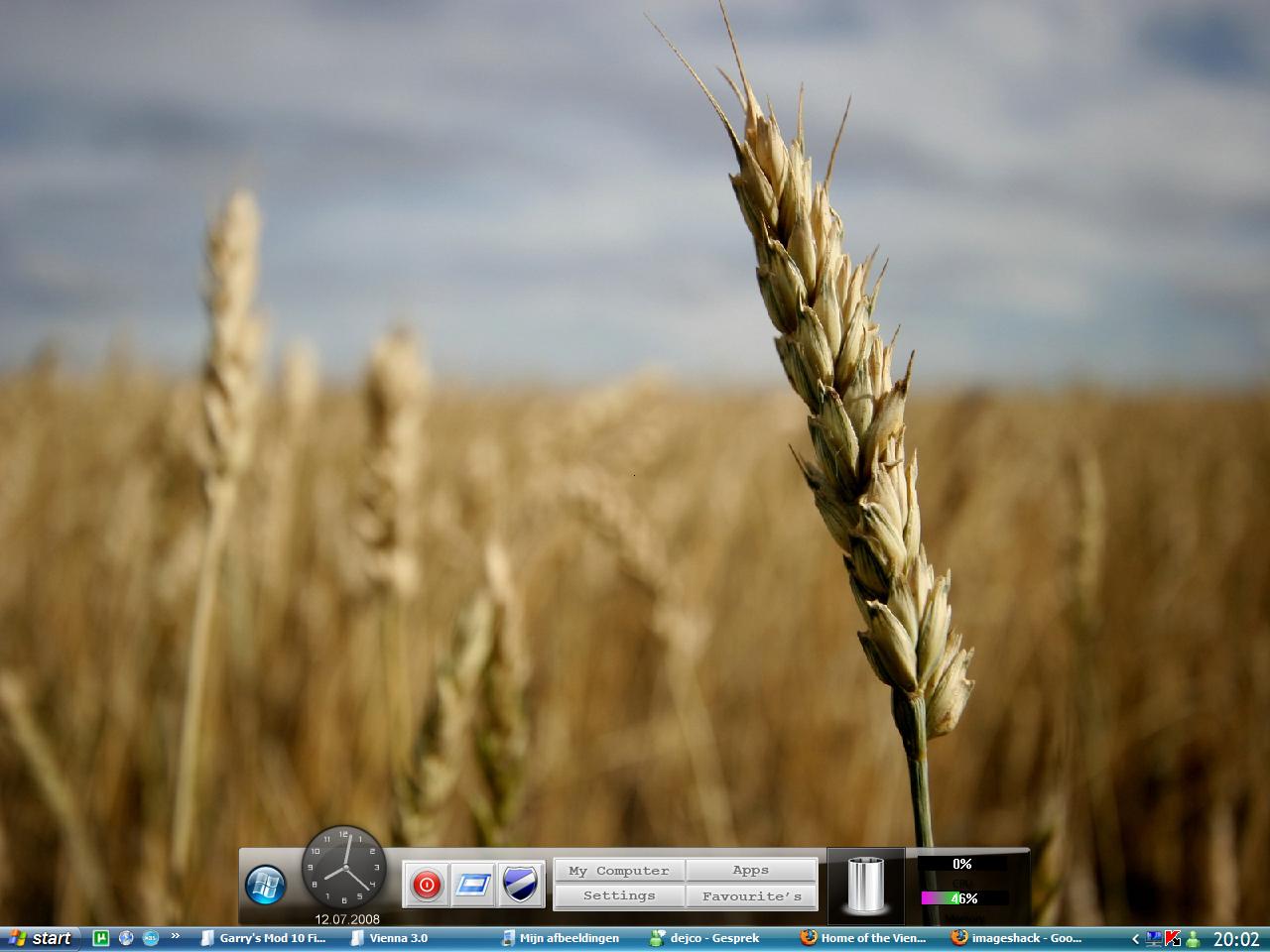
Microsoft has officially confirmed that Windows 7 (Codenamed Vienna) is not going to be released until early 2010, However, fresh rumors claim the release date to be June 3, 2009 - whatever the case maybe, we are not going to see the new OS anytime soon, so here we have another cool Windows Vienna Transformation Pack for Windows XP.

Windows 7 Vienna Transformation Pack
(Click Image To Enlarge)
Windows 7 Super Bar
Windows 7 Boot Screen

The massive 60 MB Vienna Transformation Pack v 3.0 lets you transform your Windows computer to a brand new, never seen before look.

Winodws 7/Vienna Transformation Pack Features :

  • Vienna Navigator.
  • Cool Superbar.
  • Windows 7 Visual Styles.
  • Sounds.
  • Windows 7 wallpapers.
  • Cursor Set.
  • Windows Vienna Logon Screen.
  • Windows Vienna Bootskin.
  • All the required applications to apply these effects.

Download Windows Vienna Transformation Pack v 3.0 [Size : 59.2 MB]>>


Read more: http://www.megaleecher.net/Download_Windows_7_Codenamed_Vienna_Transformation_Theme_Pack#ixzz0dov7N40H

iPhone 3G and 3GS Unlock

Version 3.1.2 software unlock

SOME GREAT NEWS

We can NOW fully software unlock the iPhone 3G and 3GS which fully unlocks all iPhone 3G models regardless of bootloader version and even the new iPhone 3GS, for any network worldwide using just software. Those running iPhone 2.2.1 and baseband 2.30.03 can simply upgrade to version 3.1.2 using iTunes then run our unlocking software (upgrading to version 3.1.2 upgrades your baseband to 05.11.07 which is software unlockable).

An amazing, unique, patented feature of our software unlock (if you include our App Pack) is free tethering - use your iPhone 3G as a modem over bluetooth or USB to connect your laptop to the internet wherever you are! O2 in the UK charge £20 a month and AT&T plan on charging $59 a month for this 'privilege'! With our unlock, you get this ability free of charge. In fact the speed of the connection is amazing, especially on the 3GS (7.2Mbps!)

Version 3.1.2 comes complete with MMS, Search, Stereo Bluetooth, Send files via Bluetooth, iPod Shake to Shuffle, Internet Tethering, Parental Controls, and more. See our feature on our news blog for more information.


Thursday, January 21, 2010

BumpTop hits the Mac, covers your OS X desktop with piles just like your real desktop (video)

PC users have been making a 3D mess of their virtual Windows 7 desktops with BumpTop now for nearly a year, and have been doing it two-fingered since October saw the 1.2 multitouch release. Now you Apple fans can get a feel too, with BumpTop Mac newly available. There’s a free version for you to try…or a $29 Pro edition that adds support for multitouch trackpads, enabling you to quickly form piles of docs and filter through them. Yes, piles of documents, much like that leaning tower of expense reports your co-workers have been giving a wide berth whenever they walk by. After the break you’ll find a video of it all in action, and you can get your free trial at the read link — assuming you’re running OS 10.5 or higher.